What does Concairge do?
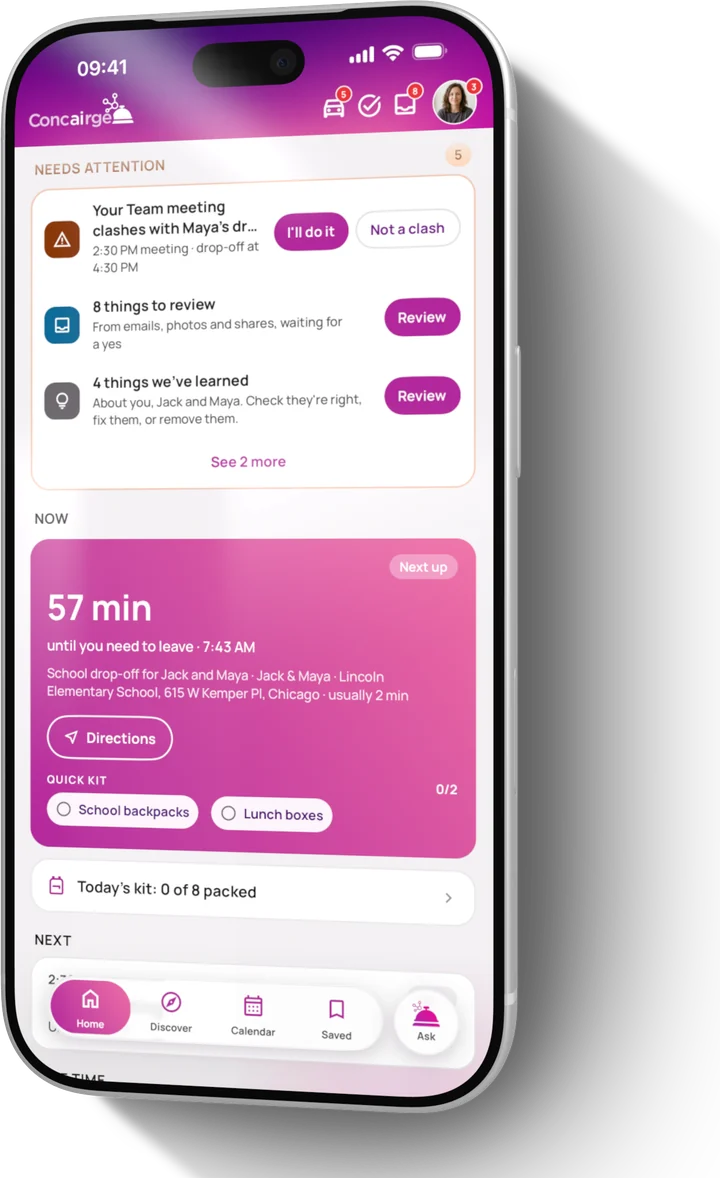
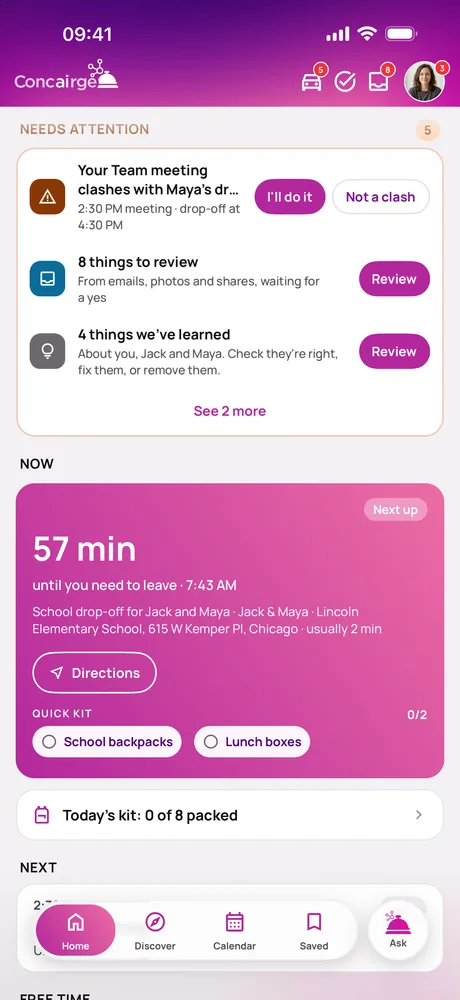
It's an AI family assistant, on iPhone and iPad with Apple Watch too, and on Android phones through Google Play. It brings everyone's calendars into one place, plans days out when you just ask, and spots what's coming before it catches you out: free time, weekend ideas, when to leave, and severe weather.
How do you pronounce Concairge?
Just like concierge: kon-see-AIRZH. It's a concierge with AI in the middle.
How does it know what suits each of us?
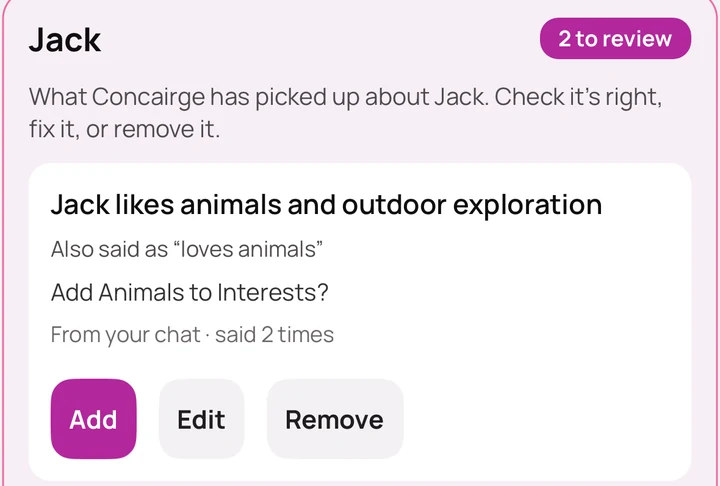
Everyone gets a profile with their age, interests, food and needs, and you can add your pets too. Concairge reads all of that before it suggests anything, remembers what you tell it in chat about each person, and says on every pick why it fits and who it's for.
What can I ask it?
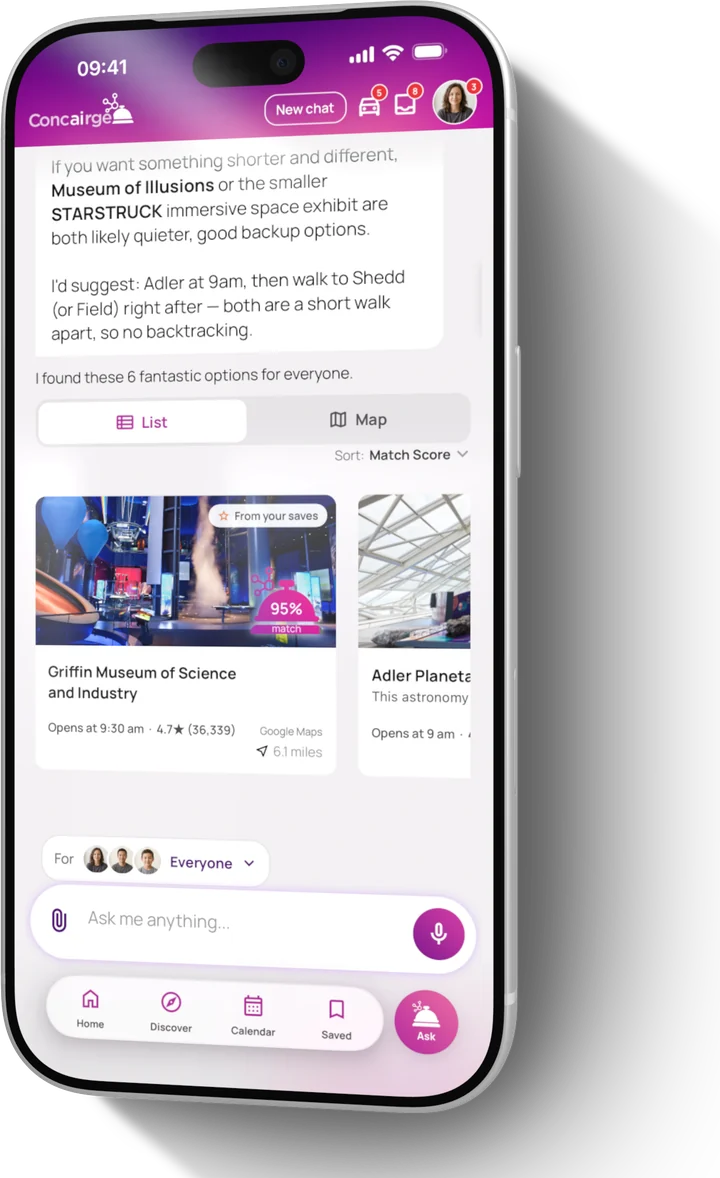
Ask the way you'd ask a friend who knows your week. "What can we do Saturday morning?" "Find something indoors for Maya and Leo this afternoon." "Add the dentist on Thursday at 3:30." It works around what's already on your calendars, picks things that fit the people going, and tells you why.
Do I have to type everything in?
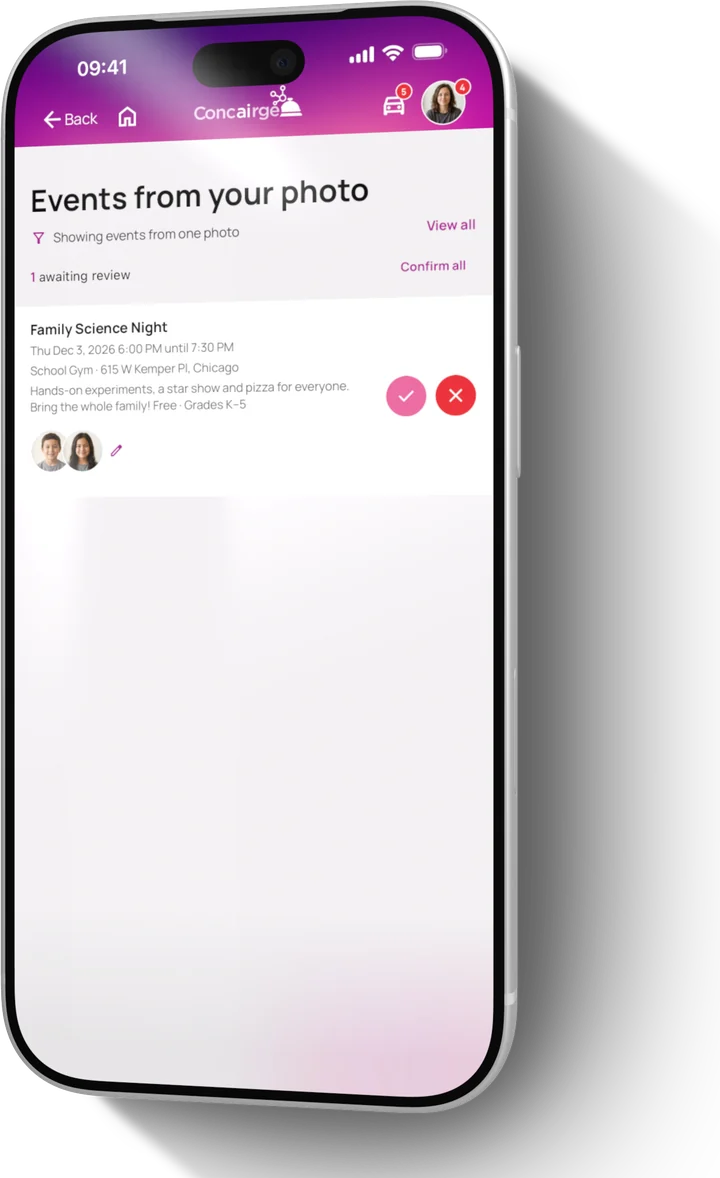
No. Snap a school flyer or share a PDF newsletter, and Concairge finds the events in it. Forward a confirmation email to your own Concairge address, share a post from Instagram or TikTok, or just say it with Speak it, even from a widget or Control Center. Whatever it pulls out waits for your OK before it goes on the calendar.
Can it help with drop-offs and pick-ups?
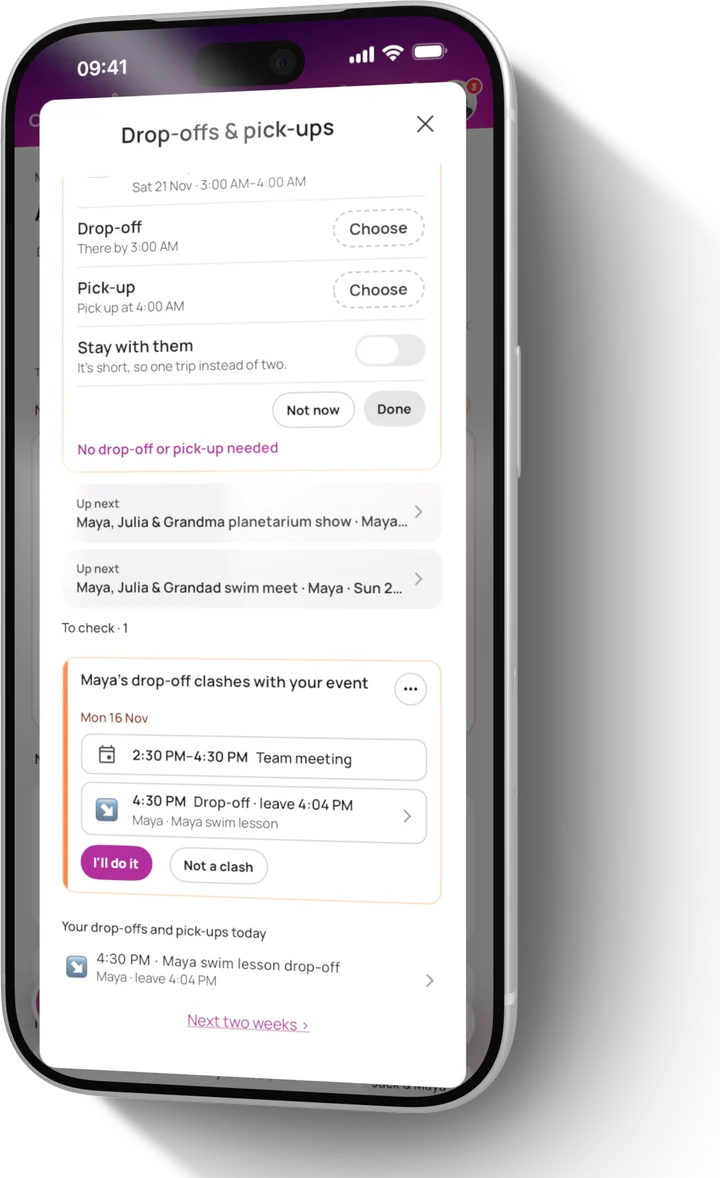
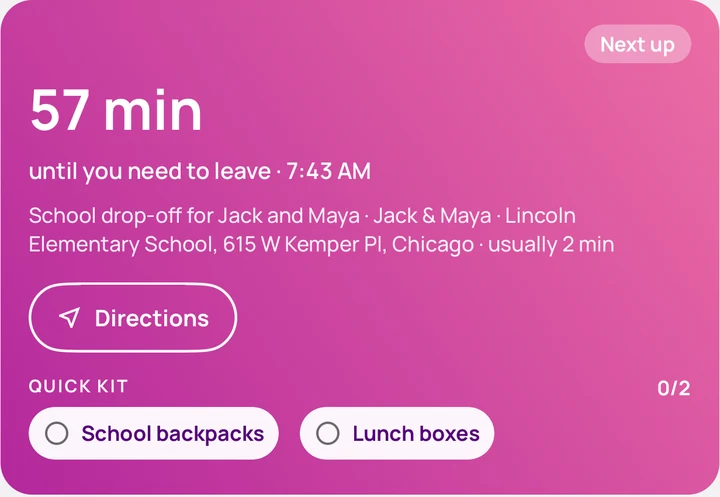
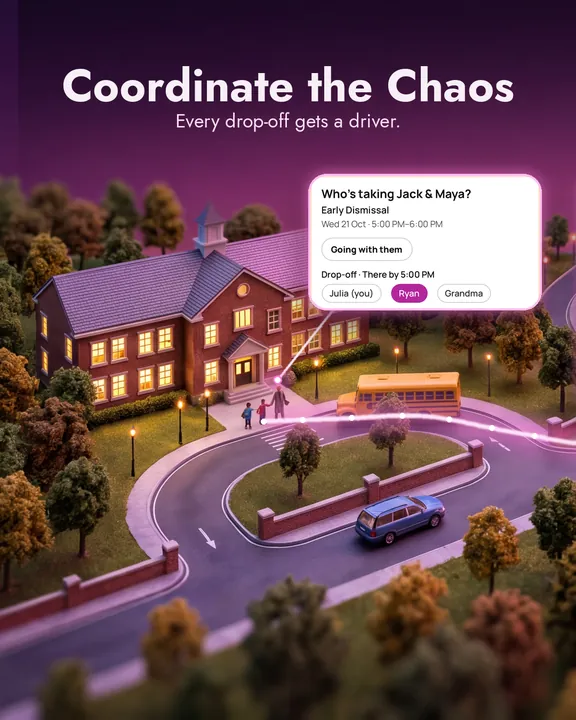
Yes. Give every drop-off and pick-up a driver, and only that person is reminded, including when to leave. Set up the school schedule once, with who drives each day, and the days the school is closed are skipped. Nobody down for one? Any adult can ask who can take it.
What happens when two plans clash?
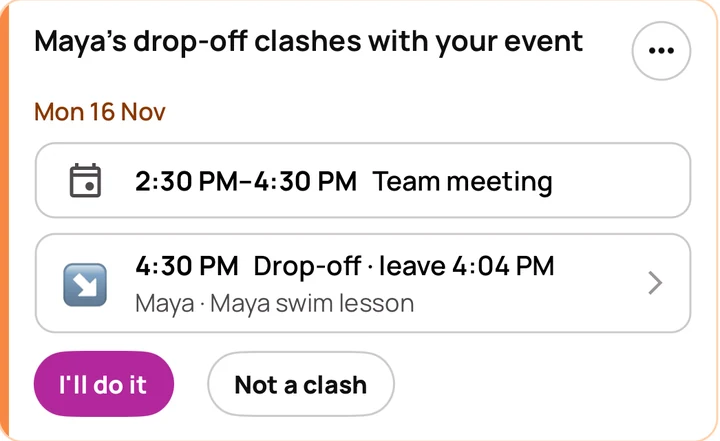
Connect a calendar and Concairge checks your week ahead: one person due in two places, a child with nobody taking them, a school closure. Tap Sort it on Home to see both sides and the overlap, then choose what happens, decide later, or ask another adult to decide.
Can I share things from Instagram or TikTok?
Yes. Tap Share, pick Concairge, and it finds the place or event with the details filled in. Places go to Saved; events wait for your yes before they go on the calendar.
Does it work with my calendar?
Yes. Google and Outlook calendars sync both ways, and on iPhone so does the phone's own calendar. You choose which calendar each person's new events go to.
Does my partner have to use it too?
No. Concairge works for one person running the family's plans. When someone else wants in, invite them with a code and you'll both see the same plans.
Do my kids need an account?
No. Each child gets a profile with a code name and a birth year, added by you. No real name, no login and no email address, and it's never used for ads.
How does the free trial work?
Use everything for 14 days without entering a card. To keep going, subscribe in the app or on our website. One subscription covers the whole household.
What does it cost after the trial?
In the US, $12.95 a month or $129.99 a year. In the UK, £9.95 a month or £99.99 a year. On the monthly plan your first 3 months are $9.95 (£7.95) a month. One subscription covers the whole household, including everyone you invite. More on Pricing.
Is my family's information private?
We never sell your data, and children's profiles are never used for ads. Everything is encrypted when it's stored and when it's sent. We never read your inbox, only the emails you forward to your Concairge address, and in the app you can download a copy of your data or delete your account and everything with it. Our Trust page shows exactly what we keep.
What's new in the latest update?
Version 1.4 brings a new Home with your family's whole day on one screen, a driver for every drop-off and pick-up, clashes caught early, What we've learned, and Concairge on Apple Watch. See What's new.
Is Concairge on Android?
Yes. It's on Google Play for Android phones, with the new Home, Just ask, Discover, drop-offs and pick-ups, and clash checks. Apple Watch, widgets and syncing your phone's own calendar are on iPhone only. See the Android page.