Maple Is Shutting Down. Here's How to Move Your Family Without Starting Over.
If you're a Maple user, you already know.
Maple has announced it's winding down: the app will shut down on December 31, 2026, and its team has joined Wander, a travel company. According to Maple's own notice, monthly plans stay active through the end of the year, annual renewals have already stopped — and after December 31, user data will be deleted.
That's a hard announcement to read. For a lot of families, Maple wasn't just an app — it was how the household ran. You picked it because it got something right: families deserve an app built just for them, not a stitched-together mess of group chats and shared calendars that nobody actually checks.
You were right. It's just that Maple won't be there anymore.
So here's a practical guide: how to save what you've built in Maple, what to look for in whatever comes next, and — since we make a family app too — an honest case for why Concairge might be it.
First: how to save your Maple data before it's deleted
Do this part no matter which app you choose.
Your calendar already survives. If Maple synced with your Google, Apple, or Outlook calendar, those events live in your calendar, not Maple's. Reconnect that calendar to your next app and there's nothing to migrate.
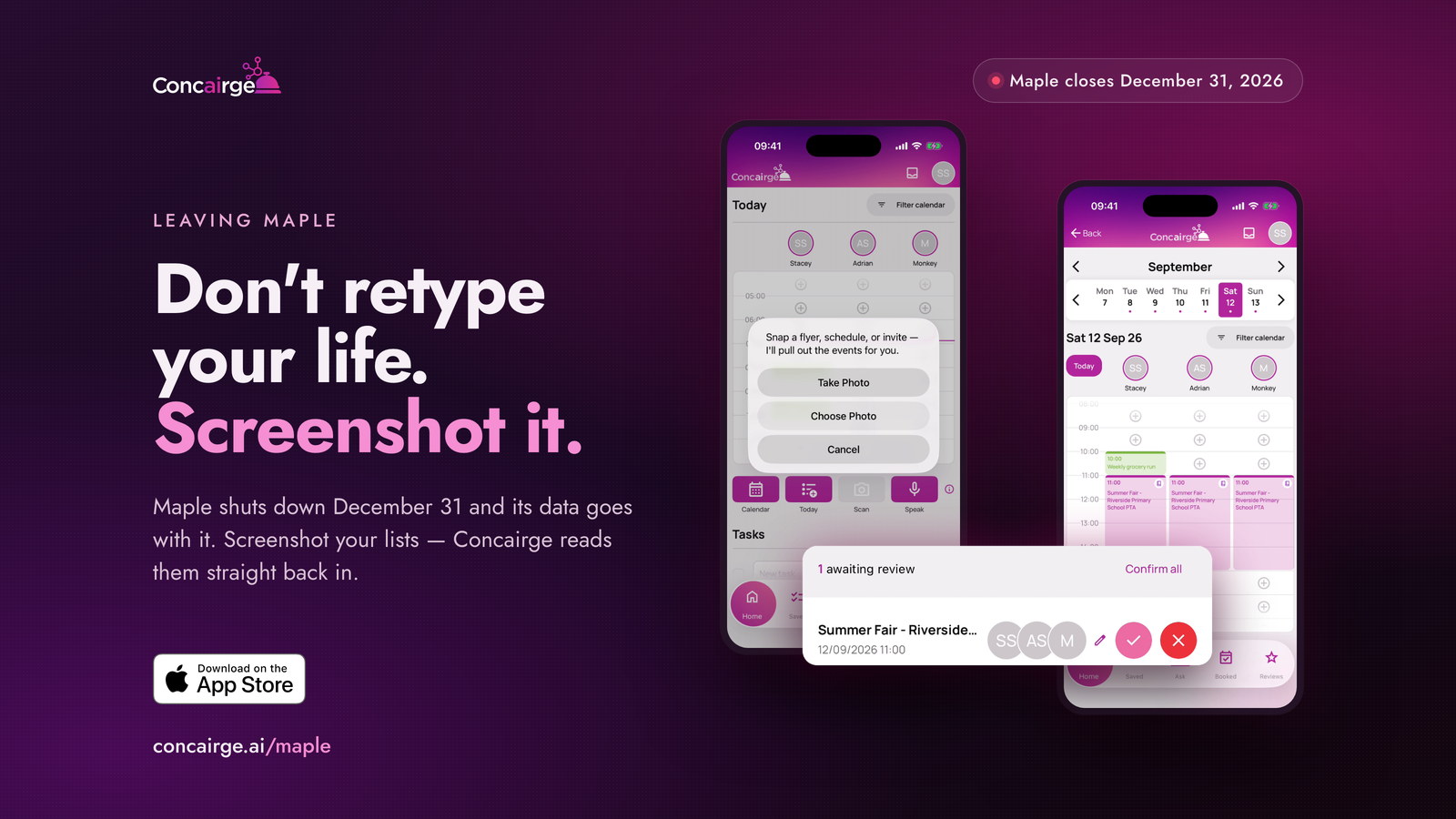
Everything else: screenshot it. Maple doesn't have an export for your lists, routines, chores, or meal plans. But you don't need one. Open each screen and take screenshots — all of it, ten minutes, done. If you join Concairge, our Scan feature rebuilds lists and schedules straight from those screenshots. Don't retype your life. Screenshot it. And even if you never try Concairge, take the screenshots anyway — recreating everything from memory in January is so much harder.
The full step-by-step migration guide is at concairge.ai/maple.
What Maple gave you — and what to look for next
Maple made the invisible work of running a family a little more visible — and a lot more shared. It showed that when you build something specifically for families — not individuals, not work teams — people respond.
Whatever you pick next shouldn't just be a calendar. Look for:
- A shared view the whole family actually uses
- A way to get all the messy stuff in — school newsletters, birthday invites, flight confirmations — without typing each one
- Smart reminders that reach the right person at the right time
- Something that actually helps you plan, not just record what's already planned
That's a lot to ask of any app. Maple set that bar; whatever comes next should clear it.
What Concairge does
Concairge launched on the App Store on July 31, 2026 — two days after Maple's news broke. That timing wasn't planned, but the overlap is real: we built Concairge for the same kind of family Maple served so well.
Here's what it does:
Everyone gets their own login. The whole household — partner, grandparents — joins under one shared account with their own profile. It's not one person managing everything alone; everyone has a real stake in it.
You just ask it. "What should we do with the kids Saturday?" "When am I free next week?" "Find a restaurant tonight, outdoor seating, kid-friendly." You don't fill out a form; you have a conversation, and Concairge plans from there.
The messy stuff gets in on its own. Forward a booking confirmation email. Snap a photo of a school flyer. Share a link from Instagram or TikTok. Concairge pulls out the details and shows them to you first — nothing lands on your calendar without your say.
It stays a step ahead. Concairge doesn't wait for you to ask. It suggests local events and places your family will actually enjoy, based on what you like and what's happening nearby. And if something's about to disrupt a plan — weather, a closure — it warns you before you find out the hard way.
A daily digest, not daily noise. Each evening you get a summary of tomorrow: what's on, what to pack, what the weather looks like, what time to leave. One glance, and you're ready.
It works with the calendars you already have. Google Calendar, Outlook, and — as of this month — Apple Calendar. Reconnect and your events are just there.
What Concairge doesn't do
We'd rather be honest about this than have you download it expecting something it isn't.
Concairge doesn't have a grocery or shopping list yet. It's not a task manager in the Notion or Things sense. And it's iPhone and iPad only right now — Android is in the works, but it's not here yet.
If meal planning and grocery lists were the center of how you used Maple, we're not the complete replacement for that piece today — most families bridge it with our 'Brain Dump' feature. Just speak to it and build a list. But the family coordination, the shared calendar, the planning, getting the messy stuff in without typing it, and an app that stays a step ahead of you — that's exactly what Concairge is built for.
What it costs
$12.95/month or $129.99/year in the US. £9.95/month in the UK. One subscription covers your whole household — one price, everything included. No free tier with the useful parts locked away, and no extra charge per family member.
Your first two weeks are free — cancel anytime before the trial ends and you won't be charged.